News & Events / Grade 1 Computer Science Tux Typing Activity
category
Academics
Grade: I
Subject: Computer Science
Topic: Tux Typing
Name of Activity: Tux Typing Activity-Let’s Type and Play
Objective: To help students practice using the keyboard and develop basic typing skills through a fun, interactive game.
Description of Activity:
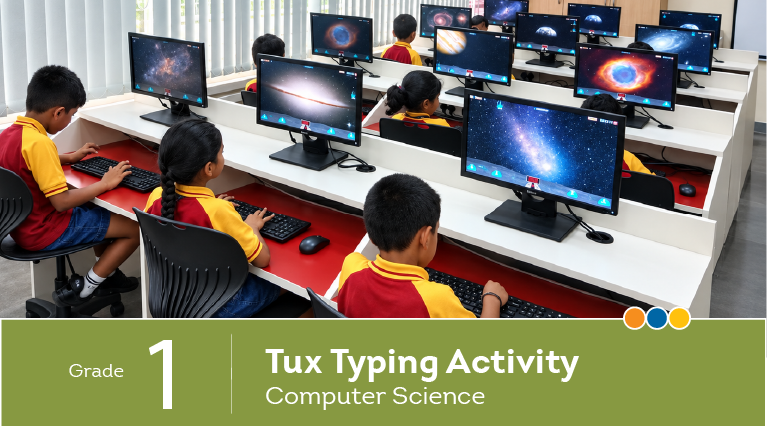
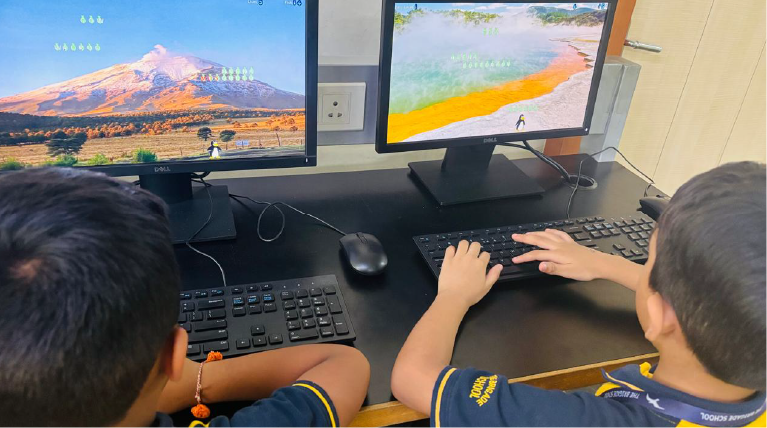
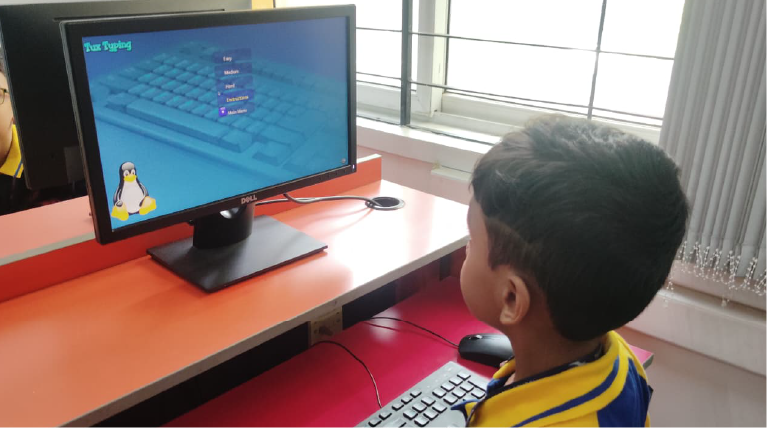
The Grade 1 students had a super-fun typing adventure with Tux Typing. With lots of cheerful keystrokes, the students practised locating letters on the keyboard, using their fingers correctly, and improving their typing speed and accuracy. Every correct key press brought smiles, excitement, and a little more confidence. It was a happy hit with our young typists!
The activity helped the students to:
– Identify and locate letters on keyboard.
– Improve hand-eye coordination.
– Develop basic keyboard handling skills.
Subject: Computer Science
Topic: Tux Typing
Name of Activity: Tux Typing Activity-Let’s Type and Play
Objective: To help students practice using the keyboard and develop basic typing skills through a fun, interactive game.
Description of Activity:
The Grade 1 students had a super-fun typing adventure with Tux Typing. With lots of cheerful keystrokes, the students practised locating letters on the keyboard, using their fingers correctly, and improving their typing speed and accuracy. Every correct key press brought smiles, excitement, and a little more confidence. It was a happy hit with our young typists!
The activity helped the students to:
– Identify and locate letters on keyboard.
– Improve hand-eye coordination.
– Develop basic keyboard handling skills.